

July 7, 2026
Vector vs Pixel: Differences and When to Use Each
Understand the difference between vector and pixel and learn how to choose the ideal format to ensure maximum quality for your visual projects.
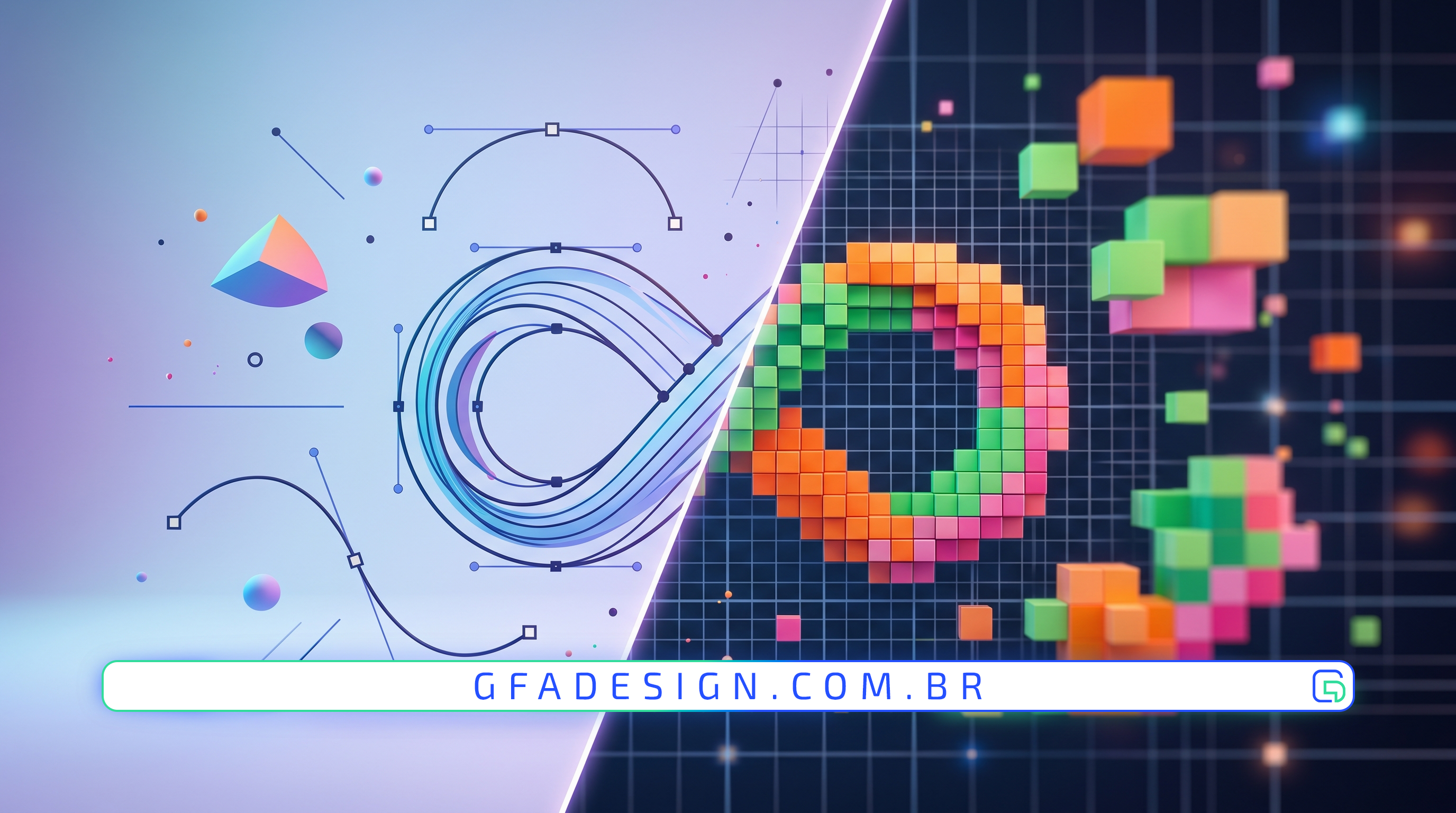
Understand the difference between vector and pixel and learn how to choose the ideal format to ensure maximum quality for your visual projects.
In the world of graphic design and web development, understanding the difference between vector and pixel is essential to ensure the quality of any visual project. Although both bring life to the images we see on screens and in print, they function in completely opposite ways.
Pixel-based images, also known as raster or bitmap images, are composed of a grid of tiny colored squares. When you combine thousands or millions of these squares, they form a detailed image, such as a photograph.
The main challenge with pixels is resolution. If you try to enlarge a JPG or PNG image beyond its original size, it will lose definition, revealing the tiny squares and creating the infamous "pixelated" effect.
Unlike pixels, vectors do not use fixed points on a grid. They are constructed using mathematical formulas that define points, lines, curves, and geometric shapes. This means a vector image can be scaled infinitely without losing any of its quality or sharpness.
As experts in the field, we always recommend that a brand's visual identity be created entirely in vector. This ensures that your company logo works perfectly, from a tiny app icon to a massive highway billboard, always maintaining perfectly sharp lines.
The choice between vector and pixel depends entirely on the goal of your project. While the photos on your website need to be in high resolution (pixels), user interface elements and visual identity must be vector-based.
Our experience creating solutions for clients shows that the smart combination of both formats is the secret to fast and visually stunning websites. Using SVG files (vectors) for icons and logos drastically reduces page loading times, improving user experience and SEO performance.
Mastering these concepts prevents serious production errors, such as blurry prints or slow websites. If you are looking for a professional and high-performance result for your brand, relying on those who understand this technical and creative dynamic makes all the difference.
I work with strategic design to position your company and attract the right clients.
Explore branding & web design services